Dagrapporten logoSelux Werklogger

Daily reports

From site registration to post-calculation, on one platform

For foremen, site managers and the office — on smartphone, tablet and web

On site

For the foreman

Mobile app on site

  • Filled in quicklyCopy a previous report and only change what is different
  • Pick from listsActivities, machines and materials from your own library
  • Hours per activityStart and end time, with workers and subcontractors
  • Quantities & photosCompleted quantities, photos and comments
Visible right away

At the office

For site management & office

Follow-up and reporting via the website

  • Everything at a glanceAll daily reports per site, crew or period
  • Correct where neededEdit and complete reports from the office
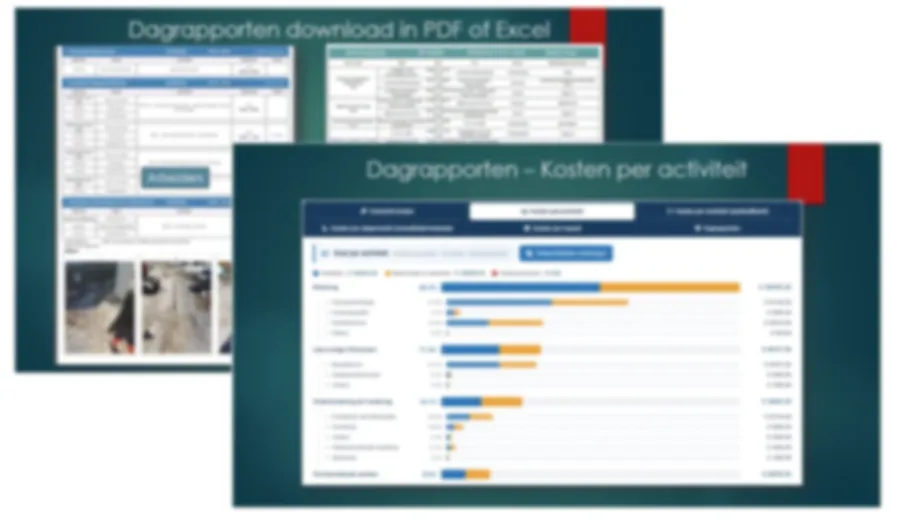
  • PDF reportsWith photos, filtered per site, period or crew
  • Excel with cost analysisCost per activity and unit price per quantity

What do you register?

Everything that happens on site, in one daily report

Hours per activity
Completed quantities
Workers & subcontractors
Machines & materials
Photos & comments
Additional work & damage reports

From the site to the invoice

In four steps, from registration to report

  1. Step 1

    Start a report

    Choose the site and date, or copy a previous report.

  2. Step 2

    Register per activity

    Hours, machines, quantities, materials and photos.

  3. Step 3

    Follow up and correct

    Site management sees everything right away on the website.

  4. Step 4

    Report and invoice

    PDF, work orders and Excel with the costs per activity.

Cost analysis

Practical applications

From work order to margin analysis

Work orders per client

Work orders with activities, materials and photos per client, ready for invoicing.

Filterable overviews

Reports per site, crew or period, for targeted analyses.

Visual documentation

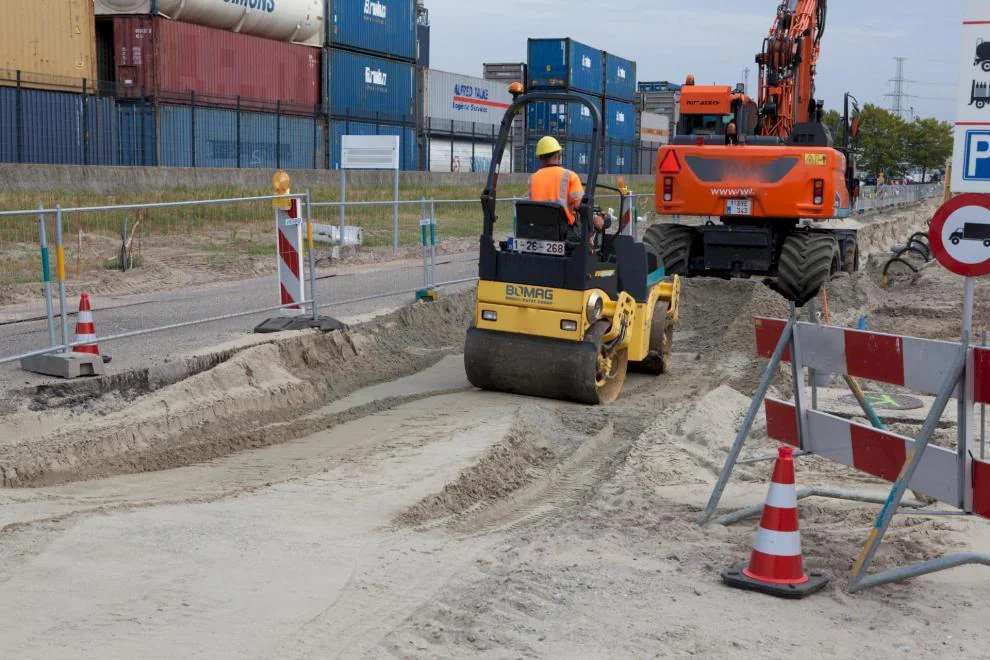
Photos with every daily report as proof of completed work.

Cost analysis

Cost per activity and per completed quantity, for post-calculation and margin analysis.

See it in action

The app on site and the website at the office

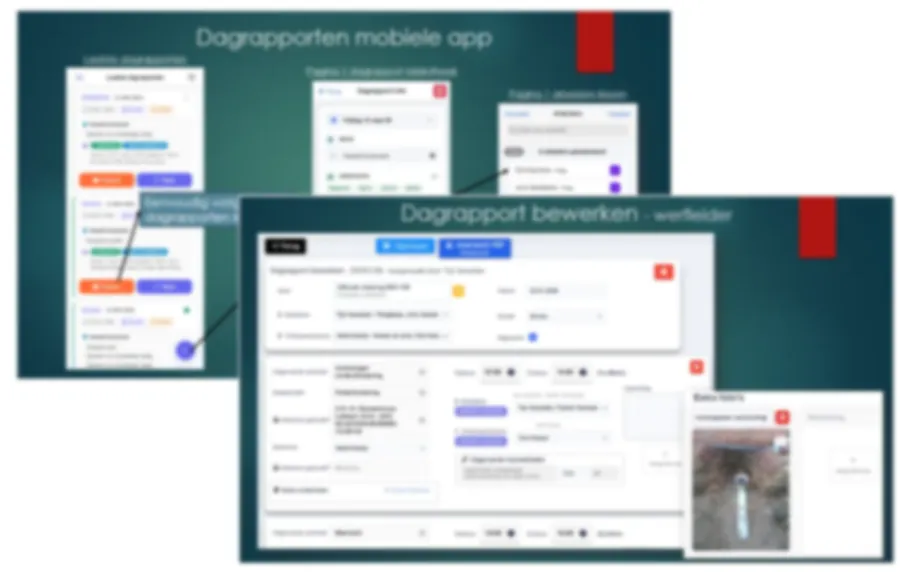
Daily reports in the mobile app and the edit screen for the site manager
On site

Registration on site

The foreman fills in the daily report on a smartphone or tablet. The site manager finalizes it on the website.

PDF export of daily reports with photos and the cost overview per activity
At the office

Reports and cost analysis

Download your daily reports as PDF or Excel, filtered per site, period or crew.

Ready to go digital?

Experience during a personal demo how our modules streamline your administration.

Request demo