Approved by OVAM

Transport

Transport trips and waste, registered digitally

With an OVAM-approved waste identification form — for drivers and site managers

Transport trips

Trip registration by the driver

  • Driving timesStart and end time per trip, with daily total and break
  • Loading and unloadingFrom which site to which destination
  • Transported materialsMaterial and quantity, in tons or m³
  • Machine transportRegister the transport of machines too
  • Overview for the site managerManage trips and download overviews as PDF

Waste (OVAM)

Digital identification form

  • Approved by OVAMMeets the requirements for waste transport
  • Prepared by the site managerThe driver completes the form on a smartphone
  • Digital signatureVia QR code, manually or with nobody present
  • Ready for inspectionShow or send the form during an OVAM inspection
  • Change logEvery change traceable, with a QR code on the PDF

Parties on the form: Waste producer · Collector · Carrier · Processor

Coming soon
  • Soil transportCreate and manage soil transport and the related tickets (Grondbank/Grondwijzer).
  • E-CMRCreate and manage electronic waybills.

How the waste form works

From preparation to signed form — in four steps

  1. Step 1

    Prepare

    The site manager prepares the form with the loading site, the possible processors and the waste types.

  2. Step 2

    Load and complete

    The driver picks the unloading site and fills in the quantities in the app.

  3. Step 3

    Sign

    Sign digitally with a QR code or manually, even when nobody is present on site.

  4. Step 4

    Inspection and archive

    Show or send the form during an inspection. The PDF and the change log remain available at all times.

Why choose digital transport management?

Paperless, compliant and always up to date

Approved by OVAM

100% OVAM-compliant

Officially approved digital identification forms for waste transport. Fully legally compliant and paperless work saves time and errors.

Direct insight & overview

All transport data centrally available. Site managers immediately see which trips have been performed, drivers register easily on the road.

Automatic document generation

Waybills, waste forms and transport documents are generated automatically. No more manual paperwork needed.

User-friendly for everyone

Intuitive mobile app specifically designed for drivers. Smart input assistance and pre-filled fields make registration faster than paper.

See it in action

The app for the driver and the exports for the office

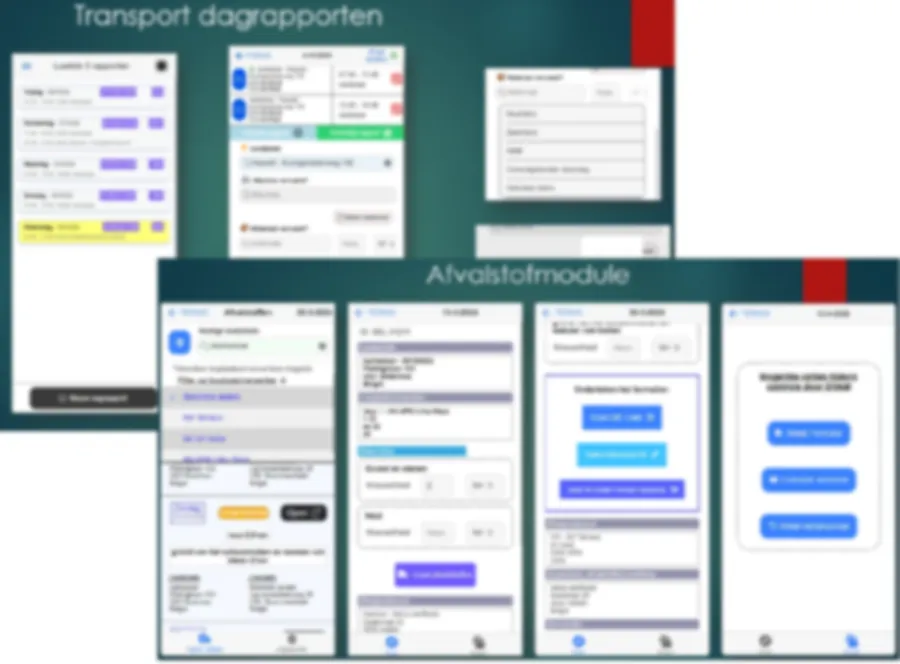
Screens of the transport module and the waste module in the mobile app
On the road

Registration in the app

Drivers register their trips and waste on the road, in just a few taps.

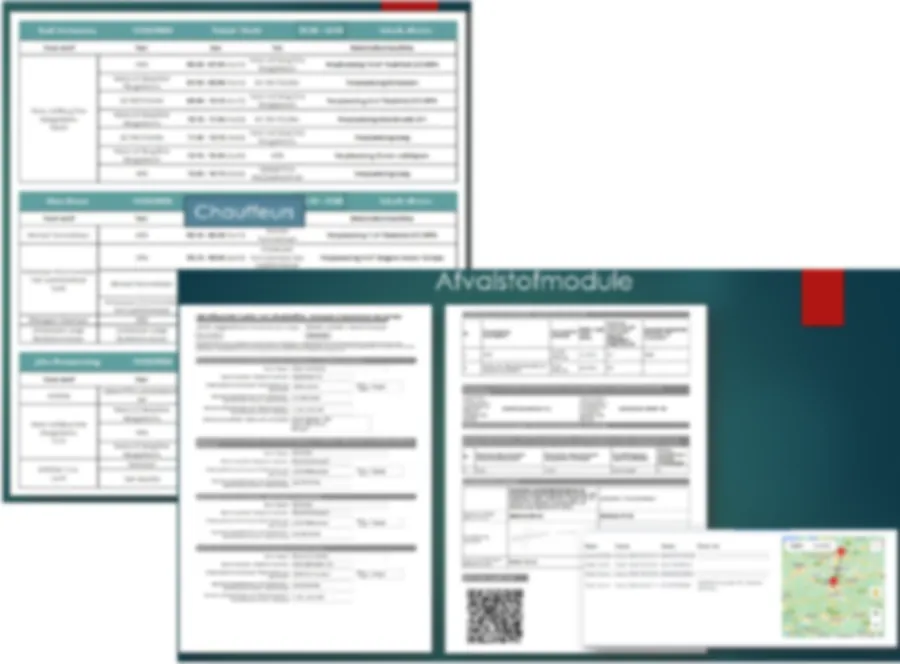
PDF overview of trips per driver and a completed waste identification form
At the office

Clear exports

All trips and forms are ready at the office right away.

Discover the benefits for your company

Plan a free demo and see how our solutions fit perfectly with your way of working.

Request demo
Info for our customers

IRIS Interoperability Platform

Instructions for companies on using the interoperability platform (IOP)View the instructions

For waste transports you must have a digital identification form. Only systems approved by OVAM may manage these forms. OVAM developed a platform (IOP) to ensure interoperability between these systems.

You have an agreement with us to create and modify digital identification forms in our system. Other waste actors can receive and adjust forms you created in their own system, if they choose so in the IOP routing information system (IRIS). To receive forms created or modified by another organization in our system, you must indicate this in IRIS. This is mandatory for collectors, waste traders or brokers (IHM) and waste producers who arrange disposal of their own waste.

Log in to iris.ovam.be and indicate that you wish to receive these forms via our system. More information can be found on the OVAM website.

Currently no forms are yet forwarded via the IOP. OVAM advises you to log in to IRIS as soon as possible and designate a system, so you can enjoy interoperability once the IOP is active.

Steps to use interoperability

  1. Step 1
    Log in to IRIS.
  2. Step 2
    Request the necessary rights from your organization’s local administrator. You will find all necessary info on the landing page of IRIS.
  3. Step 3
    After login:
    • You receive an overview of the approved systems with which you have a user agreement.
    • You indicate per system whether you wish to receive identification forms where your organization is mentioned.

ATTENTION: If in IRIS you do not choose a system to receive information about identification forms, you must modify the form in the system of the organization responsible for the identification form. You will then receive a copy of the form via the old route.